Spectral Dynamics Inc.
  • Home
    • About SD
    • History of Spectral Dynamics
  • Shakers

    Shakers

    • Overview
    • Water Cooled
    • Air Cooled
    • Vibration Shaker Systems Buyer's Guide

    Options

    • Slip Tables & Head Expanders
    • Shock Test Machines
    • Hydraulic Exciters
  • Vibration Controllers

    Multiple/Single Axis

    • Jaguar™

    Single Axis

    • Panther
    • Puma™
    • Lynx™
  • Advanced Solutions

    ARPG Products

    • SIPS™
    • VIDAS™
    • IMPAX-SD-LAB™

    P.I.N.D. System

    • Felix™ Computer Aided Test System

    Advanced Solutions

    • BalanceTool™

    High Speed Data Acquisition

    • VIDAS™

    Data Analysis

    • CATS™
    • STAR Modal™
    • STAR Acoustics™
  • Support

    Service & Information

    • Vibration Control Buyer’s Guide
    • Request Product Information
    • Contact SD
    • Customer Training
    • Domestic US Service

    Software Support

    • Panther Software Tutorials
    • Spectral Dynamics Software FAQs
    • CATS / STAR Modal™ Help

    Additional Support

    • Related Links
    • Technical Library
    • Spectral Dynamics Vibration Calculator
  1. You are here:  
  2. Home
  3. Vibration Controllers
  4. Single Axis
  5. Panther
  6. Panther Features
  7. WaveGen: Design the Signal.
Spectral Dynamics · for Panther and Lynx controllers

WaveGen: design the signal. Panther plays it.

WaveGen turns any waveform you can describe into a stream file that Panther or Lynx plays through the Analyzer or Replication: sweeps and chirps, shaped random, gated bursts, and time histories built to a standard.

Request a demo See the signal types
Sine
Swept sine
Sine chirp
Random
Square
Triangle
Pulse / burst
On/off gating
Why it matters

The signals test modes don't cover

A controller's built-in modes cover the common cases. Real programs keep producing the others: a sweep with gated bursts, a random with a shape no menu offers, a drive signal for a component test, a repeatable reference for a fixture study.

Without WaveGen

Script, export, convert, hope

Sample rate, scaling and file format are each a chance to get it wrong. Often the first sign is what the shaker does.

With WaveGen

Defined, written, verified, plotted

The signal is set in engineering units, written in the exact format Panther reads, read back to verify it, and shown before it is played.

A signal generator for Panther

Eleven signal types, one file format

TypeWhat you set
Sine Amplitude, frequency, offset, phase
Swept sine Linear (Hz/s) or log (oct/min); up, down or up-and-back; phase-continuous
Sine chirp A linear chirp in every block
Random Level rms, band, shape, seed, peak clipping
Pseudo random Every line of the block, for leakage-free analysis
Triangle, square Duty cycle; band-limited edges that don't alias
DC, ramp A level, or a ramp then hold or repeat
Pulse / burst Triangle, sine or haversine; ramped cycles; wavelet envelope
Gunfire MIL-STD-810H 519.8 Procedure III
Shape it further

Then make it yours

  • Random spectrum shapes: flat, fall, rise, band, or your own from a two-column frequency/level text file.
  • Amplitude sweep on any type, linear or in dB per second.
  • On/off gating with linear, sine or sine-squared tapers.
  • Engineering units: enter g, in/s or any unit with its sensitivity; WaveGen writes the volts.
  • Guarded: frequencies checked against bandwidth, sweeps and ramps checked to finish, and a warning before any drive peak above 10 V.
  • Reproducible: the same seed and settings give the same file, so a retest uses exactly the same signal.
How it works

From idea to verified file

  1. Choose the player

    Panther or Lynx, and the test's sample rate.

  2. Define the signal

    A type and its fields, or the gunfire Setup.

  3. Generate

    Written with Panther's code, read back with Panther's reader.

  4. Look

    The plot shows the file itself.

  5. Play

    Stream output in the Analyzer, or reference in Replication.

Gunfire with no field data

MIL-STD-810H 519.8, Procedure III, from tables to time history

When materiel sits near an aircraft gun and nothing has been measured, the standard asks for a spectrum predicted from charts and equations, then a time history built from it and checked. By hand that takes days and leaves no trail. WaveGen does the first three steps in minutes and writes the file for the fourth.

1020501002005001k2k Hz0.1110100 ASD, g²/Hz F1F2F3F4 68.3 g rms
predicted spectrum · F-16 / M61A1 · 6000 rds/min · 1 m from the muzzlefrom a WaveGen example report
  1. Predict

    Pick the aircraft or pod; the gun, firing rate and guns fill from the tables. Enter the installation. Annex C's spectrum plots as you type.

  2. Generate

    A Random Modulated Harmonic Pulse at the firing rate, corrected until it matches the prediction, cut into bursts with rests.

  3. Check and analyze

    §4.2.3: every pulse within 2.5 % of the period, spectrum within ±3 dB (WaveGen aims for ±1). Then the Step 3 design analysis.

  4. Replay

    In Replication as Procedure I, with the number of plays per axis the report gives.

The standard calls Procedure III a last resort built on 1970s data. WaveGen says so at the top of every report, requires a written rationale before it accepts a margin, marks any chart reading the analyst overrides, and lists every decision it made where the standard is silent. See how Replication runs and scores the test on the gunfire shock page.

Gunfire with no field data: predicted spectrum and time history

MIL-STD-810H Method 519.8, Procedure III, Steps 1 and 2 · F-16 with its M61A1 at 6000 rds/min; materiel 1 m from the muzzle

§4.2.3RequirementResult 
a. Time every pulse within 2.5 % of the firing period 6000 pulses of 655–656 samples: worst 0.098 % PASS
  the signal repeats at the firing rate 100.0000 Hz, 0.000 % from F1 PASS
b. Freq. broadband within ±3 dB −0.19 to +0.18 dB over 459 lines PASS
  peaks F1–F4: band power within ±3 dB +0.00 dB each PASS
Paragraph 4.2.3 (also within SD's ±1 dB target) PASS
Read back Verified with Panther reader: 19232 blocks, 300.5 s
Structure 30 bursts of 200 pulses (2 s), each followed by 8 s of rest
Replication repeat the file 22 times per axis

Excerpt from a WaveGen example report (development build).

The report

Every number, and where it came from

Each gunfire file comes with a self-contained HTML report beside it. It opens in any browser and prints cleanly to PDF for a test plan or a customer submission.

  • About this prediction: when Procedure III applies, and its limits.
  • Gun and installation: every input, with its table.
  • Equations C-1 and C-2: every chart reading and dB term, the figure it came from, and whether the analyst entered it.
  • Predicted levels and the target spectrum plot.
  • §4.2.3 acceptance table with PASS or FAIL per requirement.
  • The file: read-back, burst structure, repeat count for Replication.
  • Generated vs predicted spectrum overlaid.
  • Step 3 design analysis and how every number was obtained.

Beside it: the predicted spectrum and design analysis as CSV, and a JSON file with the pulse timing a Procedure I tolerance check needs.

Who it's for

For the test that isn't in the menu

Test engineers

A signal no standard test mode produces, built in minutes.

Replication users

A clean, documented reference file in engineering units.

R&D and fixture work

Repeatable sweeps, chirps and pseudo random for transfer functions.

Defense and aerospace labs

A 519.8 gunfire requirement with no measured data.

Questions

Frequently asked

Which controllers play WaveGen files?

Panther and Lynx. Files play as stream output in the Analyzer or as a reference in Replication.

Can WaveGen create MIL-STD-810H gunfire time histories?

Yes. For Method 519.8 Procedure III it predicts the Annex C spectrum, generates and checks the time history against paragraph 4.2.3, and writes a report with every number and where it came from.

Are WaveGen files reproducible?

Yes. The same seed and settings give the same file, so a retest uses exactly the same signal.

How does WaveGen protect the hardware?

Frequencies are checked against bandwidth, sweeps and ramps are checked to finish, and WaveGen warns before any drive peak above 10 V.

If you can describe it, Panther can play it.

WaveGen works with Spectral Dynamics Panther and Lynx controllers.

Request a demo

Panther Applications


  • Panther – Field Data Vibration Test Replication Software
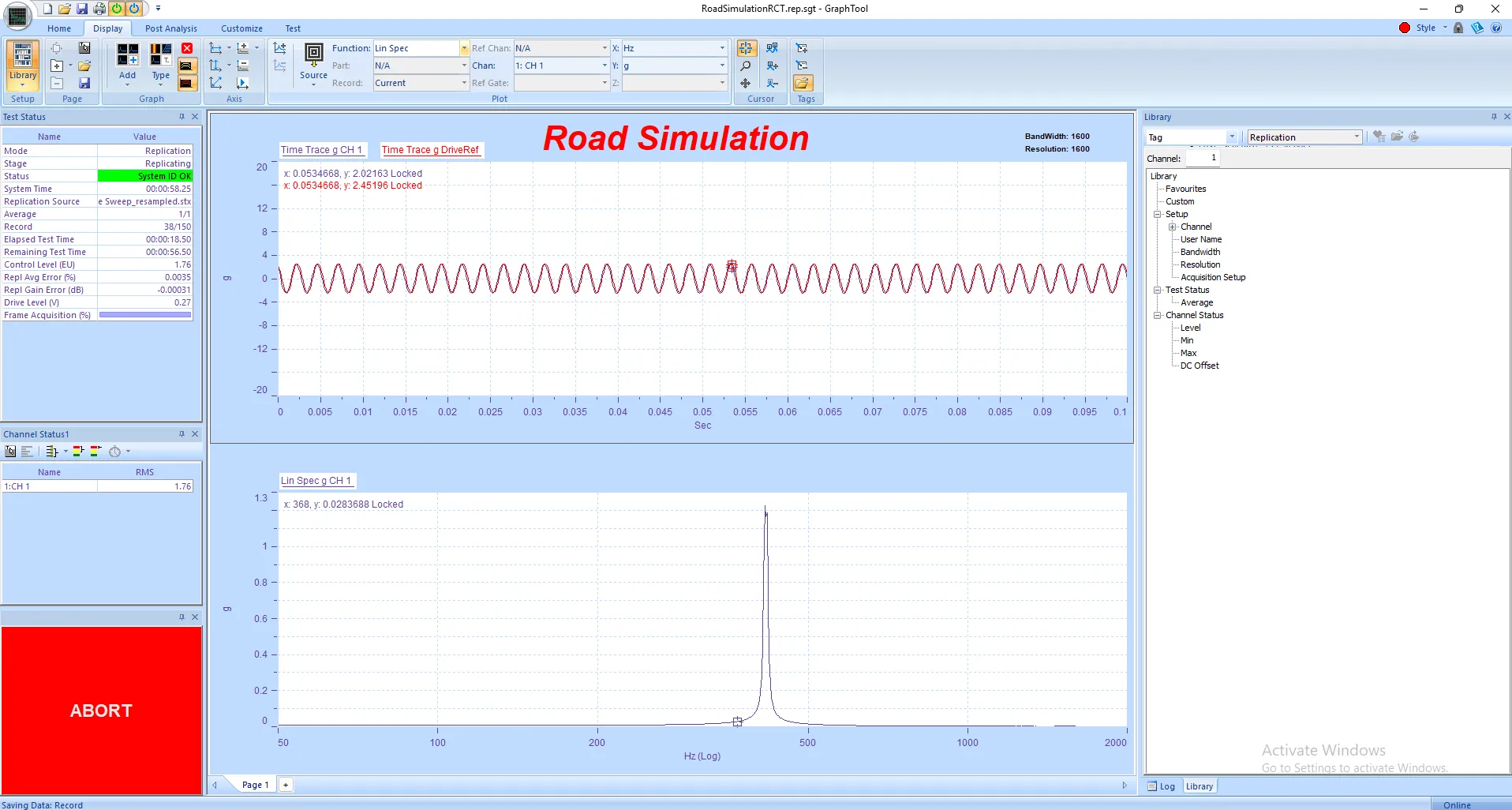
    Panther Field Data Replication makes it possible to reproduce actual measured time history vibration data in the laboratory on a shaker system.

    Panther Field Data Replication Control delivers precision and performance in time-domain waveform...

  • Panther Analyzer – Vibration & Modal Analysis Software

    Panther Analyzer is a next-generation platform with advanced tools for vibration and modal analysis.

    Panther Analyzer extends the power of Spectral Dynamics' next-generation Panther platform with...
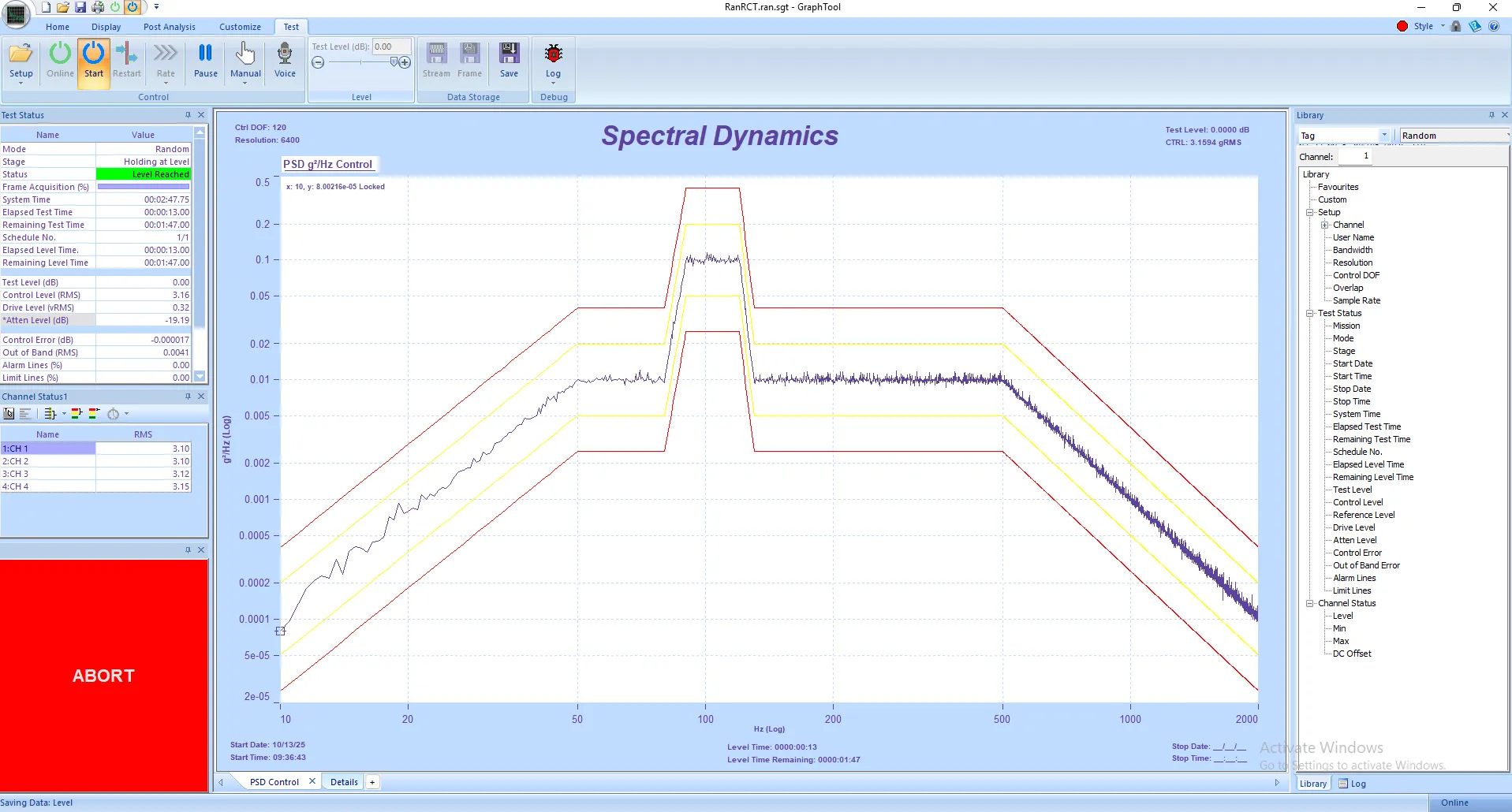
  • Panther Random – Random Vibration Control Software

    Panther Random Vibration Testing software with precise control and reliable test results. Analyze real-time random data or from recorded data.

    Spectral Dynamics invented closed-loop digital vibration control and continues to lead with...
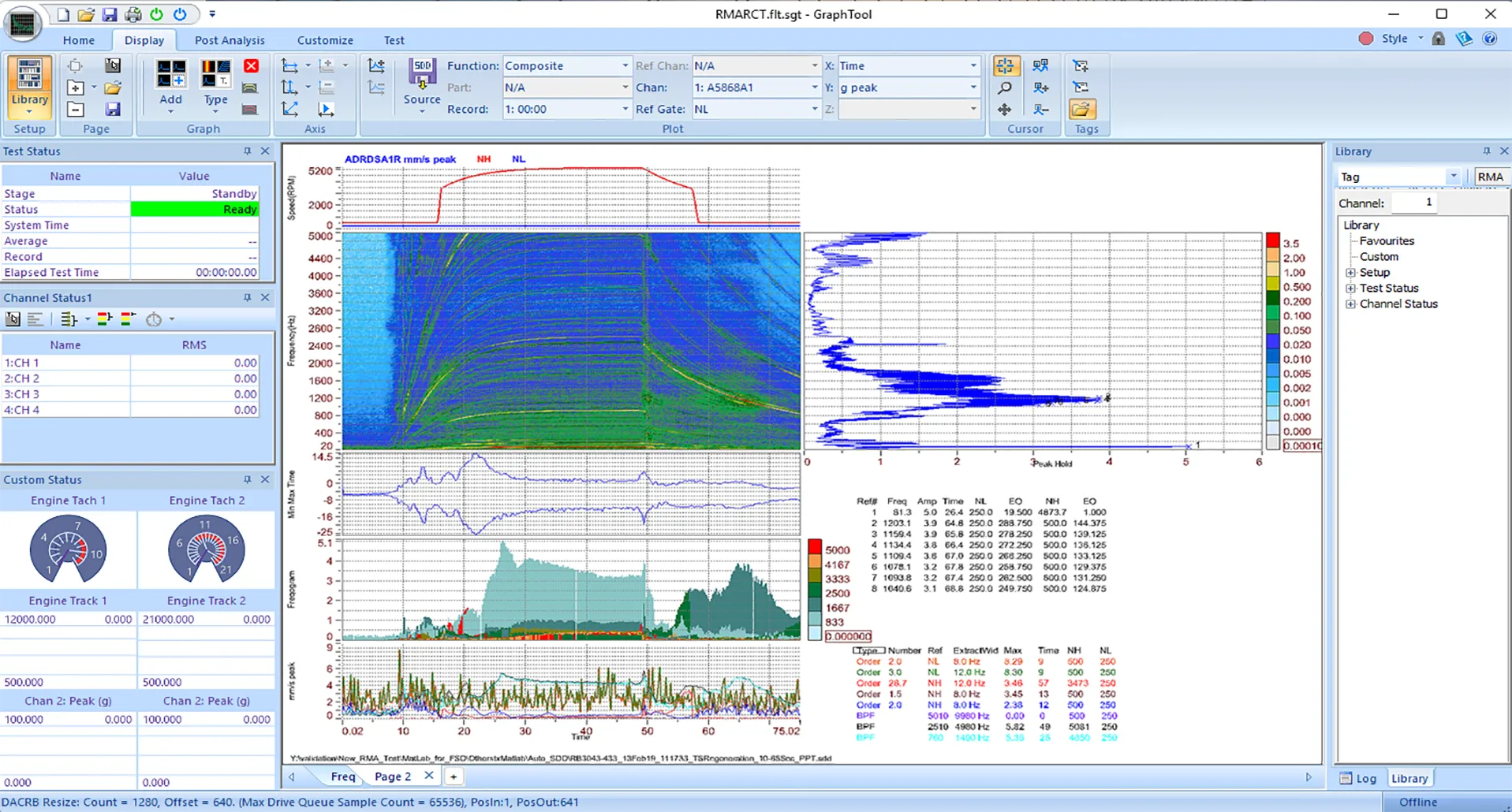
  • Panther RMA: Rotating Machinery Analysis & Diagnostics

    Panther Rotating Machinery Analysis allows users to examine steady-state operation and dynamic speed variations of rotating equipment with complete signal fidelity.

    Spectral Dynamics invented closed-loop digital vibration control and continues to innovate with...
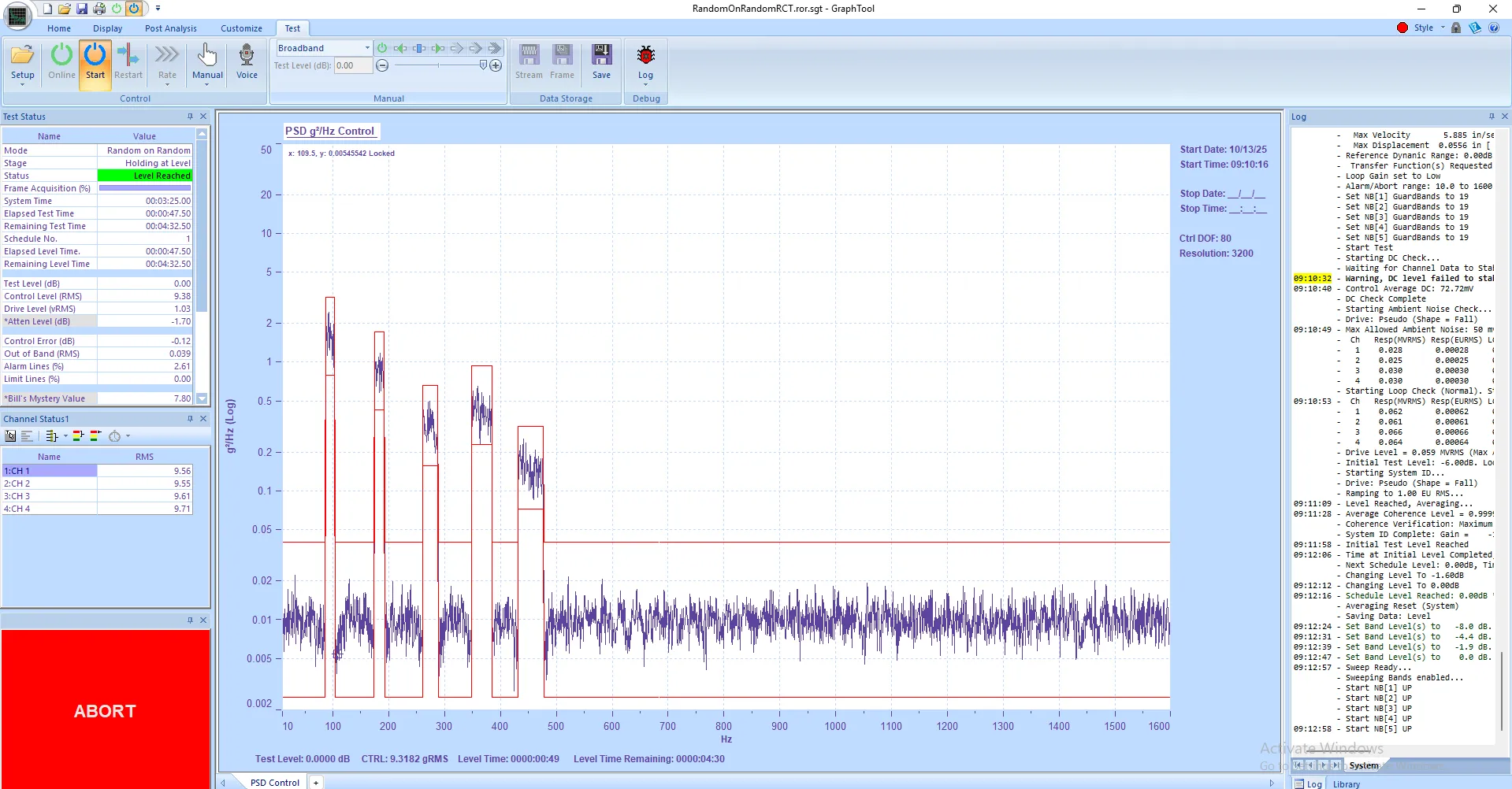
  • Panther ROR – Random-on-Random Vibration Test Control Software

    Panther Random on Random enables simultaneous control of multiple independent random vibration sources, providing accurate broadband spectral control.

    Panther Random on Random Control delivers precision and performance in multi-environment vibration...
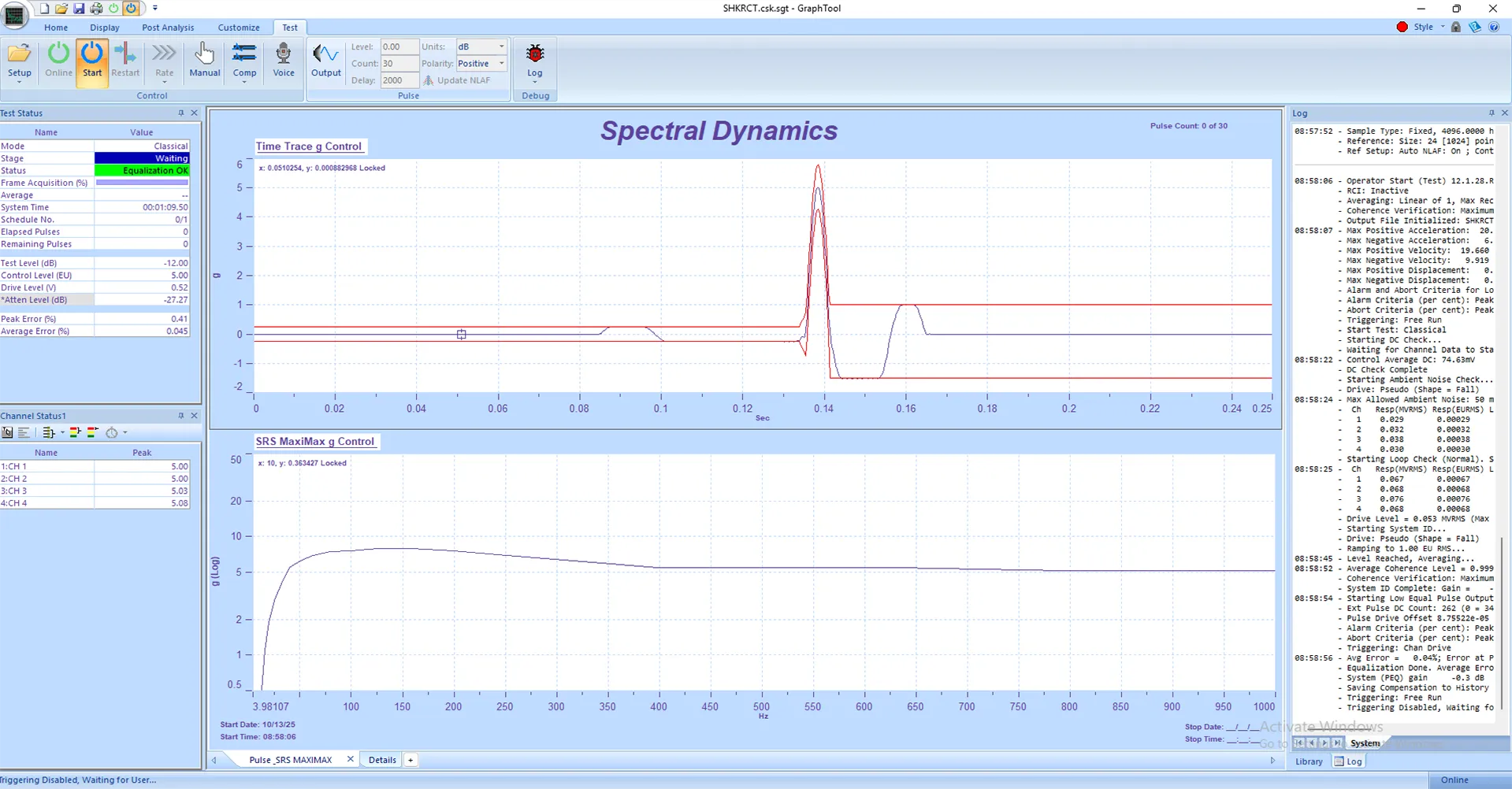
  • Panther Shock – Shock Testing Vibration Control Software

    Panther Shock Control delivers precision and performance in transient vibration testing that ensure safe and accurate shock reproduction.

    Panther Shock Control delivers precision and performance in transient vibration testing. Built on...
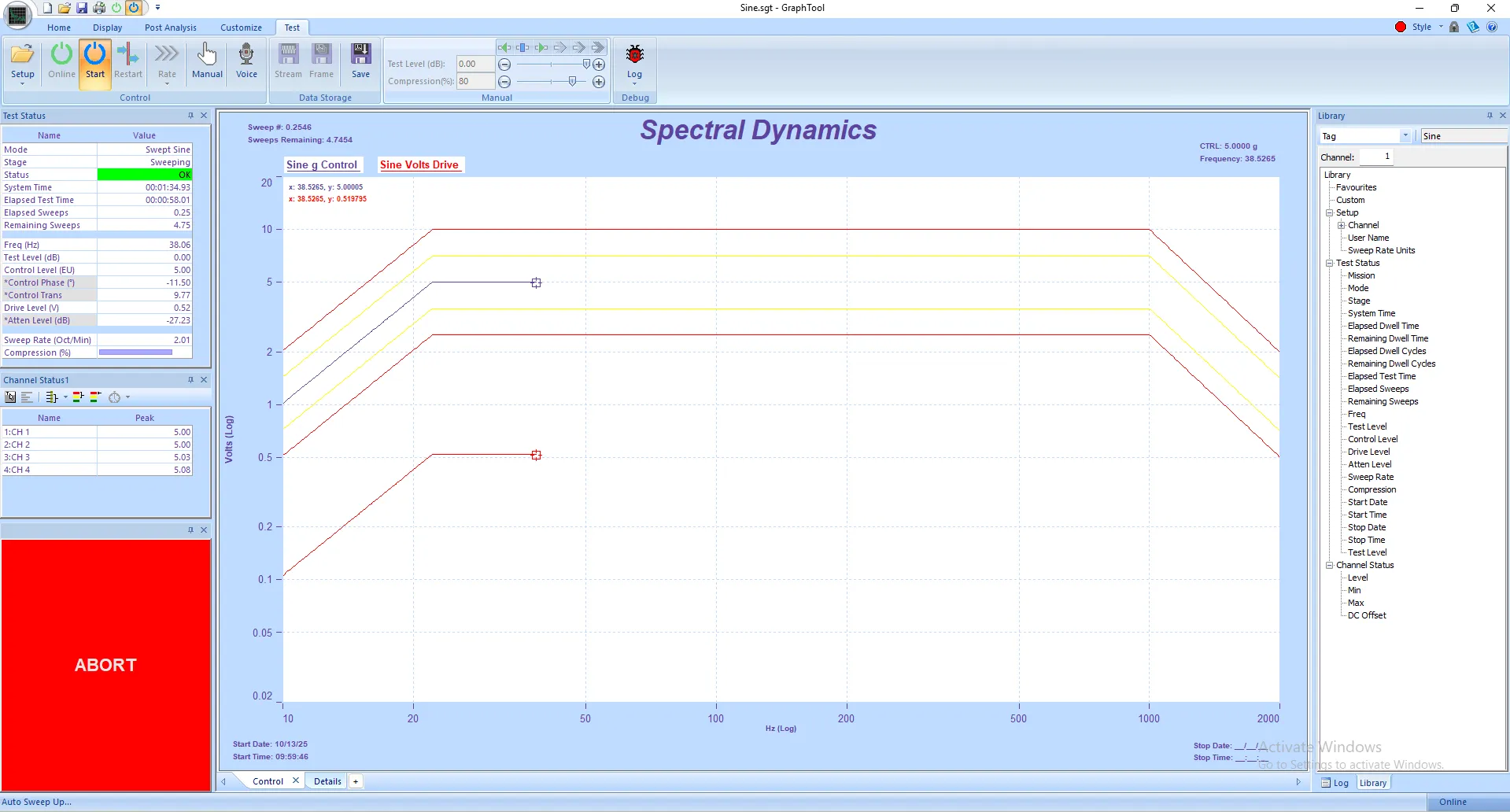
  • Panther Sine – Sine Vibration Control Software

    Panther Sine Control delivers unmatched precision and stability for both swept-sine and stepped-sine vibration testing.

    Panther Sine Control delivers unmatched precision and stability for both swept-sine and...
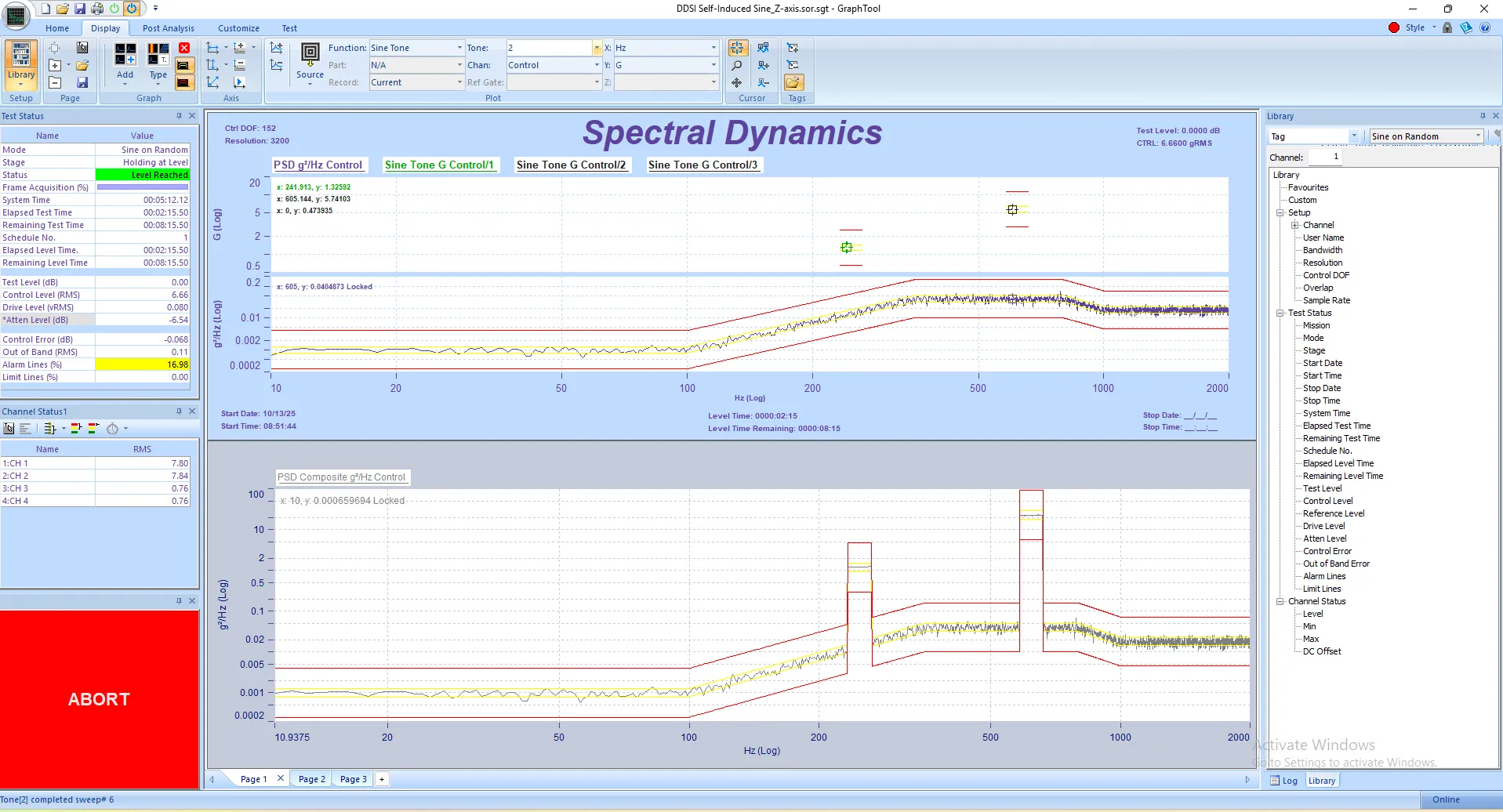
  • Panther SOR – Sine-on-Random Vibration Control Software

    Panther Sine on Random enables simultaneous control of multiple independent sine tones and random background vibration sources for accurate broadband spectral control.

    Panther Sine-on-Random Control delivers precision and performance in mixed-mode vibration testing....


Spectral Dynamics, Inc. is a leading worldwide supplier of systems and software for vibration testing, structural dynamics, and acoustic analysis. Spectral Dynamics' products are used for design verification, product testing and process improvement by manufacturers of all types of electronic and mechanical products.

1500 Wyatt Drive Suite 14
Santa Clara, CA 95054-1522
Tel: (800) 778-8755
sales@spectraldynamics.com
service@spectraldynamics.com

Vibration Controllers

  • Panther  
  • Lynx  
  • Puma  
  • Jaguar

Advanced Solutions

  • Felix - P.I.N.D.

Support

  • Contact
  • Product Information
  • Domestic U.S. Service

© 2026 Spectral Dynamics Inc. Privacy Policy

Download our ISO 9001:2015 certificate | Sitemap

Link to Spectral Dynamics LinkedIn PageLink to Spectral Dynamics Facebook PageLink to Spectral Dynamics Google results.Link to Spectral Dynamics Youtube Page